
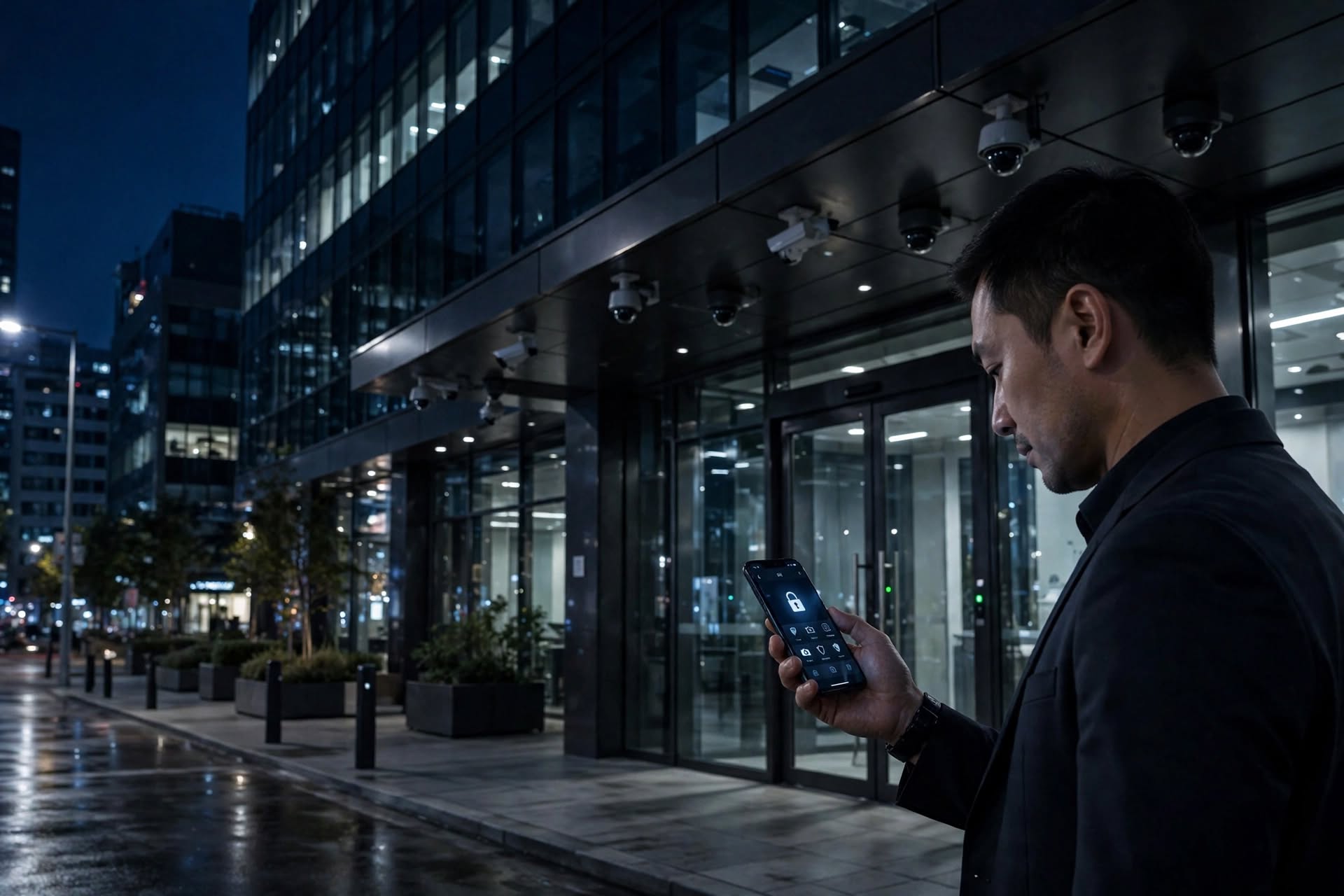
Modern businesses often need flexible ways to manage security when employees, managers, and property owners are not physically at the building. Mobile security tools can help authorized users review system activity and manage selected security functions remotely.
Quick answer: A virtual keypad or mobile security platform may allow authorized users to arm and disarm alarms, review system status, receive alerts, and manage selected security functions from a phone or computer.
What Is a Virtual Keypad?
A virtual keypad is a software-based interface that allows users to interact with compatible security systems without using a traditional physical keypad.
Depending on the system, users may be able to:
- Arm or disarm a security system
- Check alarm and system status
- Receive security notifications
- Review activity or event alerts
- Manage selected user permissions
- Control security functions remotely
Available features depend on the security equipment, software, user permissions, and service provider.
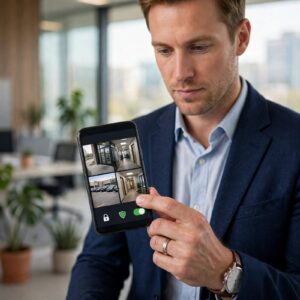
How Can Mobile Security Access Help My Business?
Mobile access can make it easier for authorized personnel to respond to security notifications and manage routine tasks when they are away from the property.
For example, a manager may receive an alert about an unsecured entrance or check the system status before closing the business for the day.
Sentry Security can help businesses evaluate remote access management options based on their security systems and operational requirements.
Can I Control Security Cameras From My Phone?
Some commercial video systems allow authorized users to view live camera feeds, review recorded footage, and receive video-related alerts through a mobile application or secure web platform.
Businesses should use appropriate user permissions and security controls to protect video access and sensitive property information.
Sentry Security offers video surveillance solutions that can be evaluated for remote viewing and broader security integration.
Is Remote Security Management Safe?
Remote security management should be configured carefully. Businesses should consider:
- Strong passwords and multi-factor authentication
- Individual user accounts
- Role-based access permissions
- Secure software and firmware updates
- Regular review of authorized users
- Backup procedures for connectivity issues
Remote access should supplement established security procedures rather than replace on-site response plans or professional monitoring where required.
Can a Virtual Keypad Work With My Existing System?
Compatibility depends on the alarm panel, communication technology, software platform, and existing system configuration. Some older systems may require upgrades before mobile access can be added.
Through system design and engineering, Sentry Security can help businesses assess their existing infrastructure and identify suitable remote management options.
Who Can Help Set Up Remote Security Access?
Businesses in Chicago and throughout Illinois can request a professional evaluation of their alarm, video, and access control systems.
Sentry Security can help coordinate remote security capabilities, system integration, and ongoing service support based on your business requirements.