
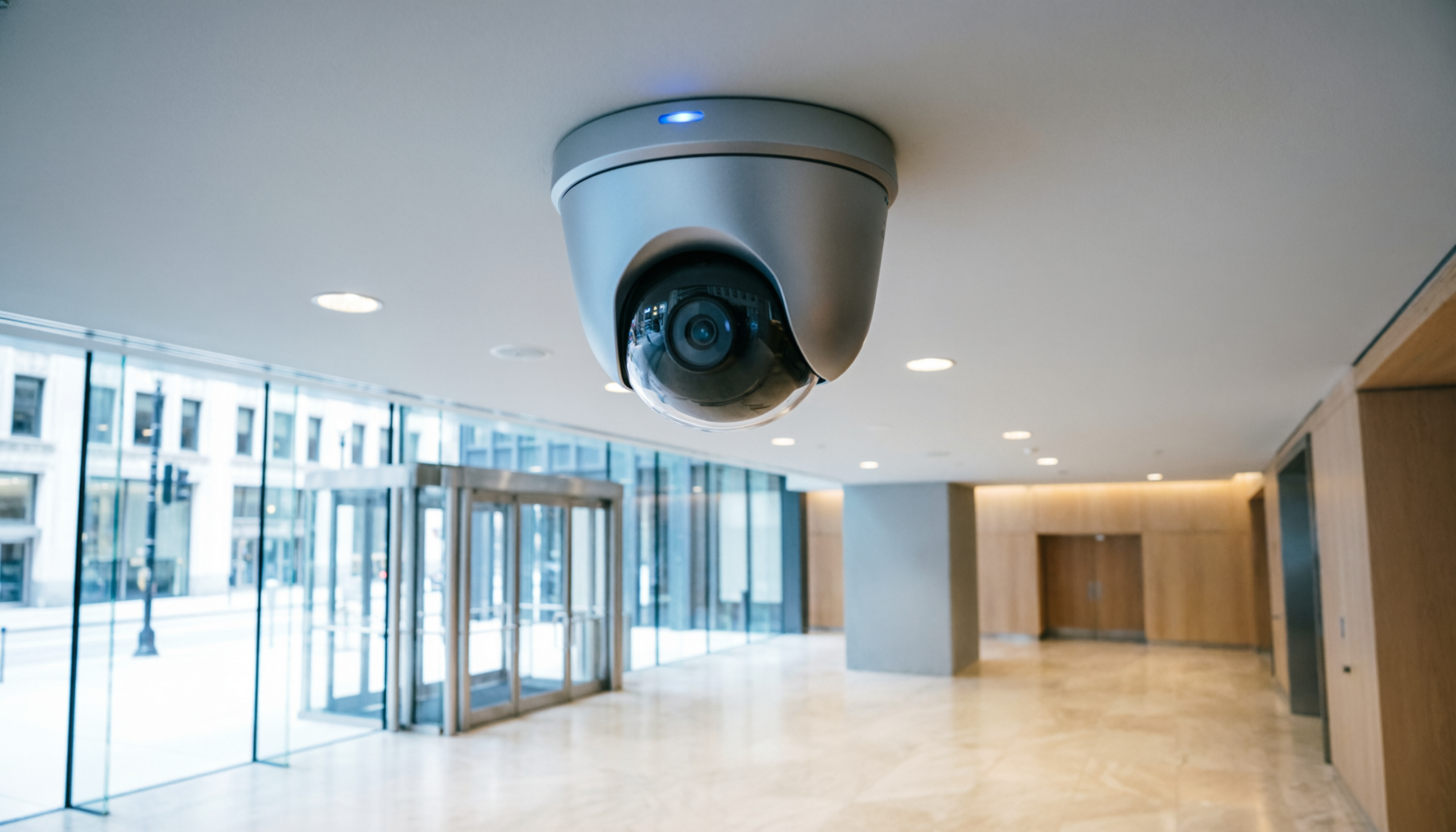
Business security cameras do not inherently violate the Illinois Biometric Information Privacy Act (BIPA). Standard video surveillance that records and stores footage without analyzing individual physical characteristics falls outside the scope of the law.
However, if a business connects video feeds to software that scans facial geometry, extracts mathematical maps of faces, or tracks specific individuals based on unique physiological traits, BIPA mandates apply immediately.
The Legal Boundary for Illinois Video Surveillance
The bottom line for Illinois business owners is the technology used behind the lens. The Illinois Supreme Court and statutory frameworks distinguish plain video recording from biometric data enrollment based on specific technical triggers.
-
Standard Video Recording (Non-Biometric): Capturing, streaming, or saving digital video files for loss prevention or safety does not collect biometric identifiers. As long as the system simply stores pixels without running algorithmic analysis to identify specific human geometry, BIPA is not triggered.
-
Facial Recognition and Analytics (Biometric): If your security system uses software to convert a face into a mathematical vector or digital template for access control, automated alerts, or tracking, you are collecting a biometric identifier. This requires full compliance, including written consent and clear data retention policies.

Hardware Realities: Standard vs. Analytical Cameras
Modern commercial video setups can easily cross the legal line if advanced software features are toggled on without proper operational planning.
| Feature / Capability | Standard Surveillance | AI-Driven Facial Analytics |
| Primary Technology | Optical sensors recording to an NVR | Edge-AI or cloud algorithms mapping facial vectors |
| Legal Classification | Photos / Video (Excluded from BIPA) | Biometric Identifiers (Regulated under BIPA) |
| BIPA Triggers | None (When used for raw footage storage) | Immediate (Requires opt-in consent before enrollment) |
| Best Application | Commercial Buildings & Retail | High-Value Business access points |
Practical Deployment Steps to Avoid Liability
If you deploy advanced systems like thermal cameras or AI-driven analytics, your system architecture must isolate biometric functions to avoid sweeping unconsented shoppers or employees into a data pool.
-
Conduct a Physical System Audit: Review your current camera infrastructure with an expert provider specializing in system design engineering to verify if any active edge analytics are collecting facial geometry without your knowledge.
-
Separate Public and Restricted Zones: Keep public surveillance limited to standard optical video. Save advanced analytics exclusively for restricted employee zones where written opt-in forms can be managed systematically.
-
Update Your Visitor Management Protocols: When using advanced access controls at entrance gates or lobby areas, run them through an explicit visitor management platform that integrates proper legal warnings and user agreements.
Frequently Asked Questions
Does adding AI analytics to an old camera system trigger BIPA?
Yes. BIPA liability rests on the software processing the video data, not the physical camera age. If software analyzes your video streams to create mathematical facial maps, your entire deployment must comply with the law.
Do commercial buildings need warning signs for standard security cameras?
Standard cameras do not strictly require BIPA disclosures because they do not collect biometric identifiers. However, posting standard surveillance signs remains a best practice for physical deterrence and general liability protection across multifamily properties and commercial centers.
How can I ensure my camera deployment is secure and compliant?
Partnering with an experienced integrator ensures your hardware is configured correctly. For custom compliance auditing, hardware evaluation, and full architectural protection, review our specialized services or connect directly via our contact page.